


Module Guide
- Hero Examples
- Call to Action
- Call to Action Inset
- Callout Content
- News With Images
- Text Block
- Tiles with Links
- Image Rotator
- Button & Link Text Options
- Highlights: Recent Additions
We are regularly adding new features to the CMS templates. Major updates will be announced in our CMS Tips emails. You can also review these resources:
In case you missed it: there are new options to help you with common accessibility issues for the:
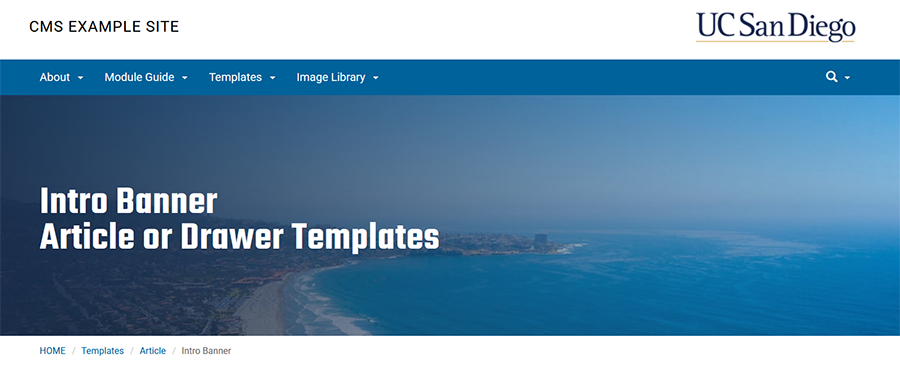
Issue: Intro banner text doesn't have enough contrast with background image
Solution: Try the intro banner's "Apply a color gradient over image" option (example below)
Note: The hero (homepage rotator) already had this option, along with a text box.
Issue: Repetitive link text on a page, or between a headline and the link text
Solution: Try the "Headline as link text" option, available for the news with images and callout content modules. Examples:
Avoid text like "click here" or "more" for your link text.
Use the "Headline as link text" option to avoid coming up with additional link text. The News With Images module also has this option.
The "Headline as link text" option also helps you avoid repeating the headline as the dedicated link text below.